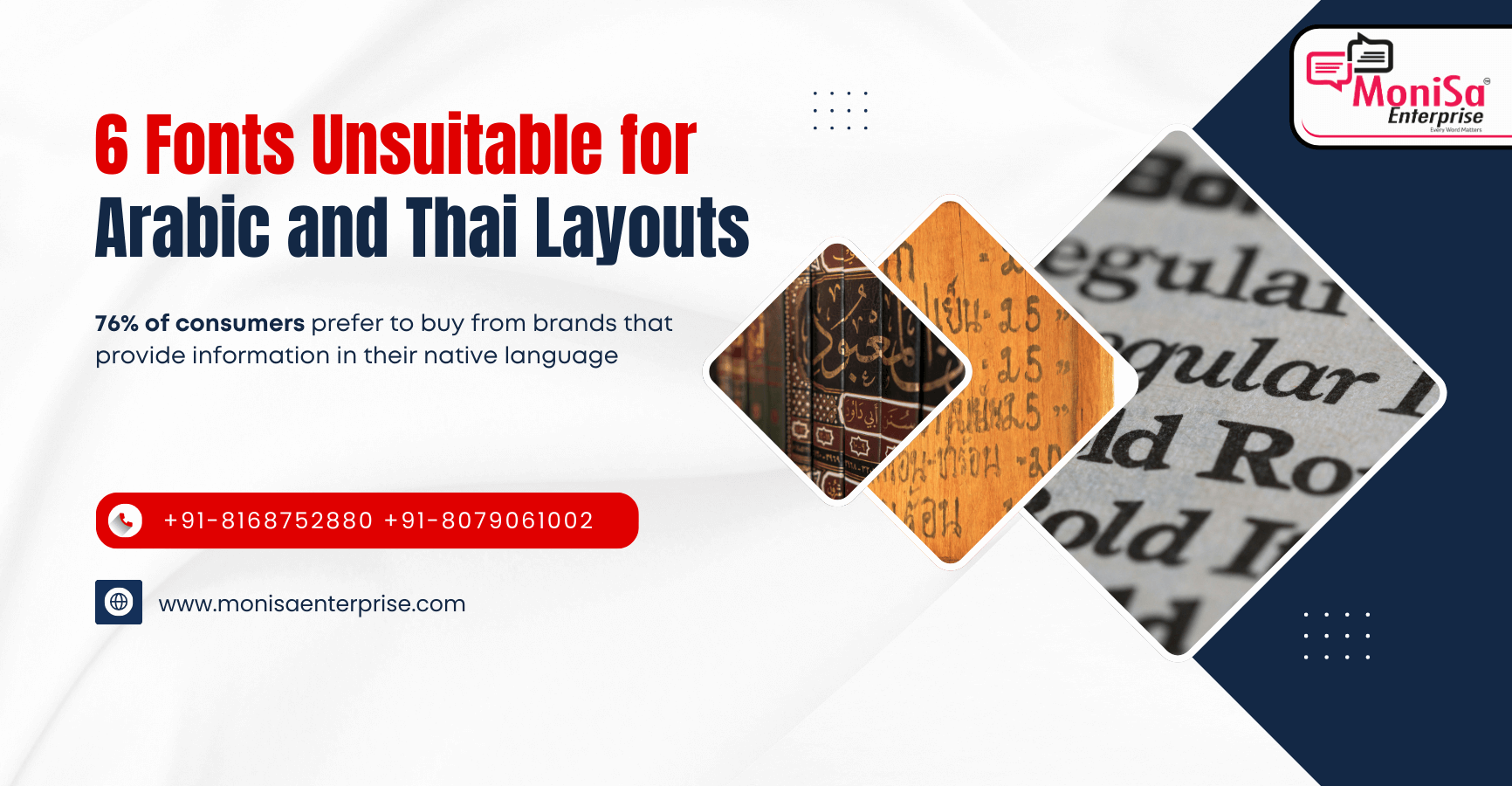
Typography Is Not Universal. It’s Script-Specific.
Fonts can make or break the global user experience. What looks clean and professional in English might render disastrously in Arabic or Thai. From broken ligatures and illegible diacritics to spacing failures and regulatory non-compliance, typography is not just a design layer. It is a functional cornerstone of multilingual content integrity.
As the world grows more multilingual, digital products must meet not only translation accuracy but also script fidelity. Arabic and Thai, in particular, pose intricate rendering challenges that require typographic and linguistic expertise working hand in hand.
At MoniSa Enterprise, we go beyond basic font checks. We integrate ISO-certified font QA into every step of your multimedia and localization pipeline, ensuring every script reads as beautifully as it looks.
Why Arabic and Thai Are High-Risk Scripts
Both Arabic and Thai pose unique challenges because they do not follow Latin-script logic.
Arabic Typography: Complex, Cursive, Contextual
- Right-to-left directionality
- Cursive flow with contextual joining of characters
- Ligature dependence for visual and grammatical clarity
- Diacritic use for pronunciation and disambiguation
Arabic script is not just a set of characters, but a fluid writing system. Each character has multiple forms depending on its position in a word. The connection between characters is essential to meaning and readability. Fonts that do not account for contextual shaping logic often display broken joins or substitute letters with their isolated forms, disrupting readability entirely.
Common Failures in Arabic:
- Characters rendered as disjointed shapes instead of connected script
- Diacritics placed randomly above or below the baseline
- Lack of ligature substitution creates a staccato reading rhythm
- Inadequate RTL support breaks line layout and justification
Thai Typography: Vertical Logic Meets Minimal Spacing
- No spacing between words
- Tone marks and vowel signs placed above, below, and around base consonants
- Tight vertical grid with strict alignment rules
- Line height must be exact to prevent overlap or truncation
Thai typography is governed by complex placement rules, where a single consonant may carry up to three diacritics in various directions. Without precise stacking logic and correct vertical metrics, tone marks can merge, float, or even fall outside text containers, making reading difficult or impossible.
Common Failures in Thai:
- Vowel marks split across line breaks
- Tone marks placed too high or too low, clashing with surrounding glyphs
- Vertical overlap of stacked diacritics
- Text cut off in mobile or compressed environments
Top Font-Based Failures That Break UX
- Broken Character Joins (Arabic)
Outdated or rigid fonts fail to execute contextual shaping logic, displaying isolated glyphs where connections should exist. - Overlapping Diacritics (Arabic and Thai)
Incorrect stacking order or insufficient glyph space causes tone marks and vowels to collide with adjacent characters. - Misaligned Tone Marks (Thai)
Tone marks appear too far from their intended consonant, especially in bold or italic font weights. - Excessive or Inconsistent Line Heights
Improper font metrics either compress glyphs vertically, leading to collisions, or introduce large gaps that disrupt content flow. - Justification Glitches (Arabic)
Justified paragraphs can stretch Arabic characters unnaturally, altering meaning or creating a broken visual rhythm. - Platform-Based Rendering Variability
Fonts that look acceptable in Word or Figma may break on Android or iOS. Inconsistency across platforms introduces untestable risk.
Fonts Commonly Responsible for Failures
| Font | Arabic Issues | Thai Issues | Verdict |
|---|---|---|---|
| Arial | Broken joins, mechanical ligatures | Tone mark collisions, poor spacing | Unsafe |
| Times New Roman | Diacritic misalignment | Stacking overlaps | High-risk |
| Calibri | Uneven joins, unnatural flow | Silent tone positioning failures | Dangerously subtle |
| Helvetica | Missing ligatures, low contrast | Diacritics crowd base letters | Inconsistent |
| Verdana | Poor Arabic block legibility | Excessive vertical spacing | Distorts layout |
| Roboto | Weak at small sizes | OS and device variability | Unreliable |
Real Case Study: Thai Public Sector Accessibility Failure
A public education department in Southeast Asia needed to distribute multilingual PDFs to meet digital inclusion mandates. They used Times New Roman for Thai text across more than 100 documents.
Issues Identified:
- Diacritics floated above line height in compressed formats
- PDFs failed WCAG contrast and font legibility standards
- Complaints received from end users and accessibility reviewers
How MoniSa Helped:
- Identified rendering limitations in Times New Roman
- Replaced it with Sarabun, an open-source Thai font optimized for digital use
- Adjusted leading, kerning, and justification logic
- Validated across PDF, web, and mobile platforms
- Conducted final review by native Thai linguists
Results:
- Accessibility certification achieved within 48 hours
- Documents re-uploaded with no further complaints
- MoniSa retained for all future government document QA
Where MoniSa Stands: QA Beyond the Font Dropdown
MoniSa does not guess what works. We test, validate, and fix what breaks across tools, devices, and scripts.
Font Compatibility Testing:
- Figma, Illustrator, After Effects, PowerPoint, InDesign, Google Docs
- Mobile, desktop, and PDF exports
- Web rendering in Safari, Chrome, and Firefox
In-Country Linguist Validation:
- Native experts review rendered output, not just source files
- Verification of line breaks, tone placement, and spacing consistency
UI Context and Compression Testing:
- Dropdowns, labels, mobile cards, and responsive layouts
- Font scaling under RTL conditions and complex character stacking
ISO-Aligned Workflows:
- ISO 9001, ISO 27001, and ISO 17100 certified processes
- Integrated with subtitling, e-learning, DTP, and app localization workflows
Curated Font Library:
- Arabic: Noto Naskh Arabic, Amiri, GE SS Two
- Thai: Noto Sans Thai, Sarabun, TH Chakra Petch
- Pre-vetted for compliance and readability
Script-Agnostic Scalability:
- Font QA available for 300+ languages
- Includes Hebrew, Khmer, Burmese, Sinhala, Amharic
- Covers complex Indic scripts such as Bengali, Tamil, and Telugu
Typography QA Checklist for Global Teams
- Always test full copy in the production environment
- Never rely solely on mockups or Figma previews
- Avoid default fonts unless vetted for the target script
- Validate tone stacking and line height integrity
- Review all font weights including bold and italic
- Confirm behavior across major operating systems and screen sizes
- Partner with a linguistically aware language service provider
Final Word: Don’t Let Fonts Be Your Weakest Link
Typography is a subtle but high-risk element of multilingual content. One misplaced mark or floated diacritic can undermine readability, trust, and compliance.
With MoniSa, you get more than visually acceptable typography. You get script-level integrity built for global scale.
Why MoniSa?
- Global standards with ISO-certified and GDPR-compliant workflows
- Support for 300+ languages, including 110+ rare or underserved scripts
- Typography-aware QA combining native reviewers and tooling validation
- Fast turnaround for large multimedia and multilingual projects
- Broad tool compatibility including Figma, Premiere, After Effects, InDesign, Word, and XTM
- One vendor managing the full workflow from translation to font QA to subtitle rendering
Ready to Audit Your Fonts?
Reach out to MoniSa for script-aware font QA across your entire multimedia or web content pipeline. We do not just check text. We validate meaning, rendering, and compliance.
MoniSa: Where Design Meets Linguistic Integrity.
Don’t just translate. Render it right.